For step-by-step instructions on how to create a matrix org chart see:
- Manually build your matrix org chart.
- Import data to automatically build your matrix org chart.
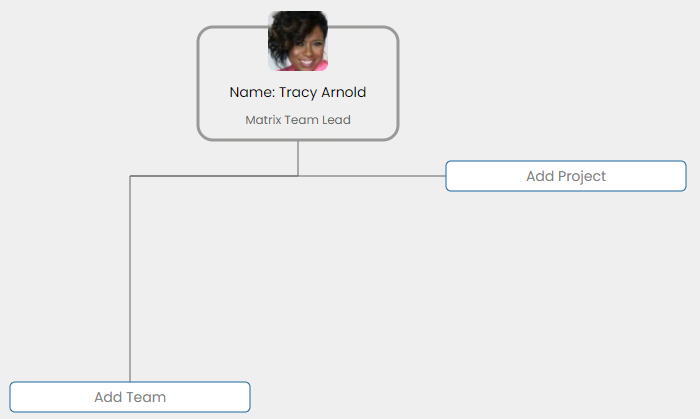
- To add projects, click Add Project.
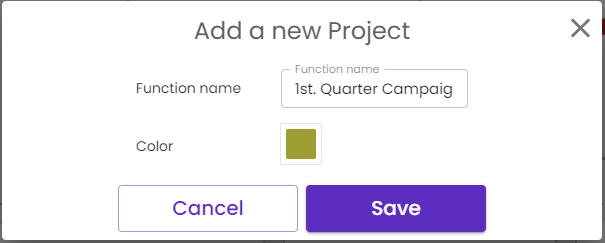
- On the Add a new project pop-up window, in the:
-
- Function Name field, type a name for the project
- Color field, click the color palette, and select a color
- Click Save
-
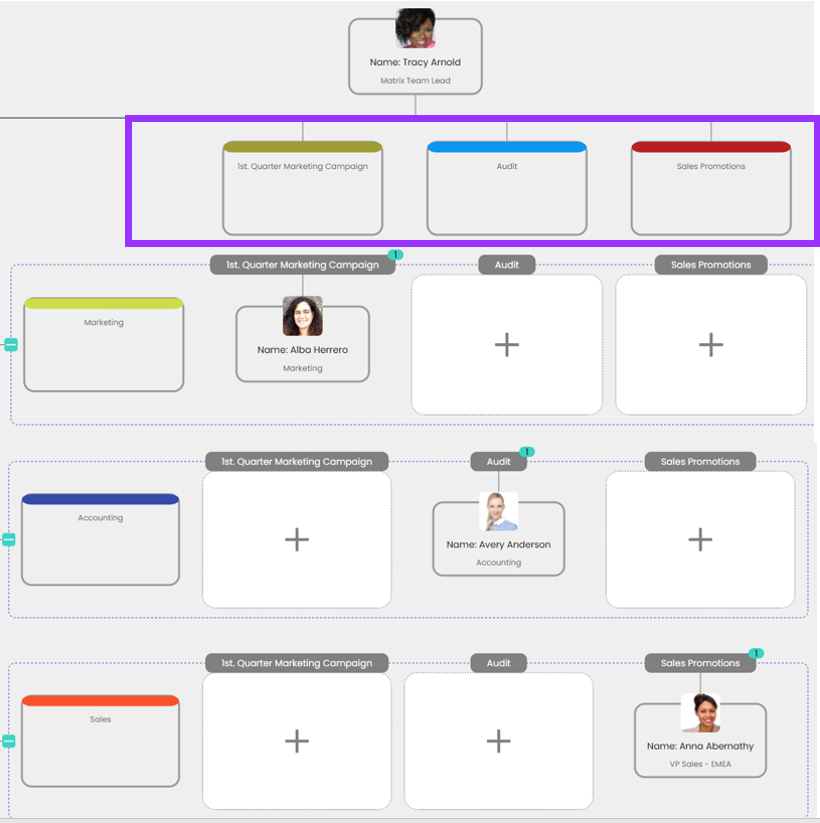
- To continue adding projects, click Add Project.
Related articles:
Having trouble? Contact us at support@organimi.com
Comments
0 comments
Please sign in to leave a comment.